
If you’ve recently tried adding a spouse, child, friend, or other traveler to your Qatar Airways Privilege Club account and kept getting an error, you’re probably wondering what you’re doing wrong.
The answer may be: nothing.
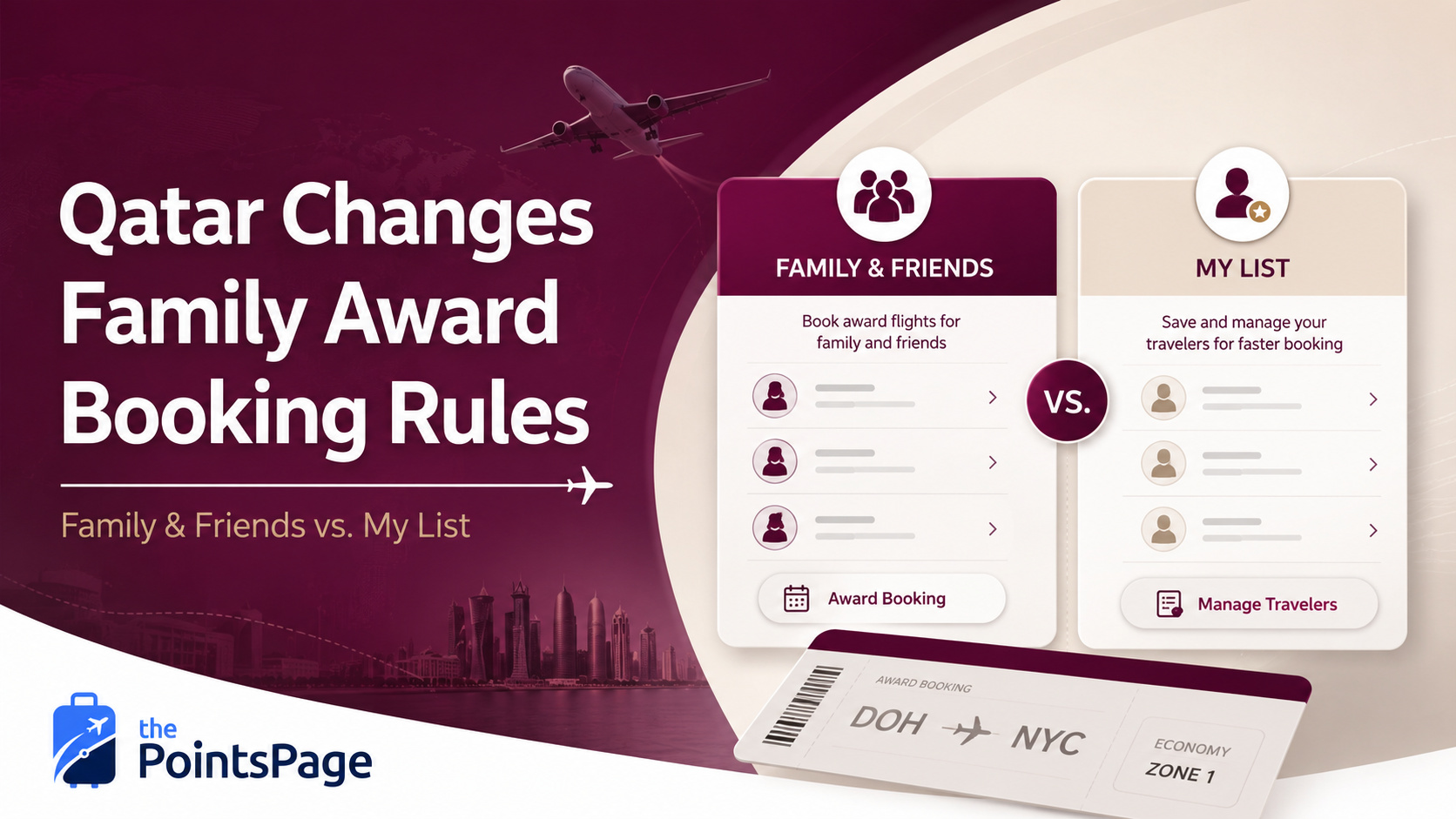
Qatar has updated its Privilege Club terms and drawn a much clearer line between two features that sound similar but do very different things: Family & Friends and My List.
One is meant for pooling Avios. The other is meant for booking award flights for existing adult Privilege Club members. Qatar has also created a limited elite-status exception for Gold and Platinum members who need to book for someone outside those lists.
And because loyalty programs apparently enjoy making simple things just confusing enough to ruin your afternoon, using the wrong section—or missing one of the new eligibility rules—may be the reason your traveler cannot be added.
What Changed With Qatar Privilege Club?
Many travelers have traditionally thought of Qatar’s family account feature as one general place to connect spouses, children, parents, and other people they travel with.
Qatar’s current setup is more specific.
The airline now distinguishes between:
- People who are not already Privilege Club members and want to pool the Avios they earn.
- People who already have Privilege Club accounts and need to be added so someone else can redeem Avios for their award flights.
Those travelers belong in two different parts of your Qatar account.
There is now one narrow exception. Gold and Platinum Privilege Club members may contact Qatar to book an award ticket for an additional person who is not on My List. That flexibility is not currently extended to Burgundy or Silver members.
Family & Friends Is Mainly for Pooling Avios
Qatar’s Family & Friends program lets a main member invite up to six people into a group.
Avios earned by those group members are pooled into the main member’s account, helping the group build one larger balance instead of leaving smaller amounts scattered among several different accounts.
That can be useful for a family that regularly travels together and wants to combine its earning power.
But Qatar’s current Family & Friends page includes one very important condition:
That means this section may not work for your spouse, child, friend, or other traveler if they already created their own Qatar Privilege Club account.
Even if their account has been open for several months, entering their existing membership information through Family & Friends may still result in an error.
How Qatar’s Family & Friends Process Works
Qatar currently outlines a five-step process for adding someone to a Family & Friends group:
- Log in to your Qatar Airways Privilege Club account.
- Open your profile dashboard and select Family & Friends.
- Select Add New Member and send the person an invitation link by email or copy the invitation link directly.
- Wait for the person to accept the invitation.
- Return to your Family & Friends group and approve the new member.
Qatar says supporting documents are not required during this invitation process.
That sounds relatively simple. The important part is making sure the person you’re inviting belongs in this program in the first place.
Existing Adult Privilege Club Members Belong in My List
If the other traveler already has a Qatar Airways Privilege Club membership number, the correct feature is usually My List.
Qatar defines My List as a feature that allows a member to create a personalized list of up to four individuals and redeem Avios for their award flights. The current terms also say the people added to My List must be active Privilege Club members and at least 18 years old.
That age restriction matters. If the intended traveler is a minor who already has a Privilege Club account, contact Qatar before transferring points because the published My List terms do not allow someone under age 18 to be added.
My List Has Additional Eligibility Rules
Qatar’s current terms include several restrictions that can prevent a member from creating or using My List immediately:
- The account must be at least 30 days old before the member is eligible to create My List.
- The member must have at least one qualifying activity: a flown-flight accrual with Qatar Airways or a partner airline, or an eligible co-branded credit card accrual transaction.
- A bank-points transfer or an Avios transfer from another program is not listed as qualifying activity for this requirement.
- A person may be part of only one My List at a time.
- Someone already participating in a Family & Friends group cannot also be added to My List.
- Once added, a My List member must remain on the list for at least six months.
- Use Family & Friends when the person is not already a Privilege Club member and you want their earned Avios pooled into your account.
- Use My List when the person is an existing adult Privilege Club member and you want to redeem Avios for their award flight.
- Gold and Platinum exception: You may also book for another individual outside My List through Qatar’s Contact Centre or Member Service Centre.
That distinction is probably the most important takeaway from this entire update.
If you are entering an existing adult member’s information into Family & Friends and repeatedly receiving an error, stop fighting with that section and look for My List instead. Then check the account-age, qualifying-activity, age, and participation rules before assuming the website is broken.
Who Can You Book an Award Ticket For?
For most Privilege Club members, Qatar’s updated July 2026 rules limit award-ticket redemptions to:
- Yourself.
- Members included in your My List.
- Group members enrolled in your Family & Friends group.
This is a meaningful partial rollback, but it is not a return to the old system for everyone.
Burgundy and Silver members still need the intended traveler to fit within Family & Friends or My List. Gold and Platinum members have more flexibility, but a traveler outside My List may require an agent-assisted booking rather than a normal online redemption.
That difference can become a very big problem when valuable award space is disappearing while you’re waiting to add a passenger or reach a Qatar representative.
Why This Matters Before Transferring Points
This becomes especially important if you plan to transfer flexible credit card points into Qatar Airways Privilege Club.
Transfers into airline loyalty programs are generally one-way. Once your flexible points become Qatar Avios, you normally cannot send them back to the original bank program just because an account problem prevents you from booking the intended passenger.
Before moving any points, verify all of the following:
- The award seat you want is still available.
- The traveler has been added to the correct section of your account—or Qatar has confirmed that the Gold or Platinum exception applies.
- The passenger can actually be selected online, or a Qatar representative has confirmed the agent-assisted booking process.
- The traveler’s name and personal information match their passport.
- You have confirmed the full Avios price, taxes, fees, and carrier-imposed charges.
- You understand the applicable change and cancellation rules.
This is one of the most important rules in points and miles: confirm the entire booking before transferring anything you can’t get back.
Until the passenger, award space, and final price have all been verified, those points are safer exactly where they are.
What to Do if You Keep Getting an Error
If Qatar still will not let you add the traveler, I’d work through the problem in this order.
1. Confirm Whether the Traveler Already Has an Account
Ask whether the person already has a Qatar Privilege Club membership number.
If they do and they are at least 18 years old, try adding them through My List instead of Family & Friends. If the traveler is under 18, contact Qatar because the current My List terms only permit adult members.
2. Check Every Piece of Personal Information
Confirm the traveler’s full name, date of birth, email address, and Privilege Club number.
The name should match the traveler’s passport exactly. A missing middle name, different last name, nickname, or incorrect date of birth could be enough to cause problems.
3. Try Both the Website and Mobile App
Log out completely and try again through both the Qatar Airways website and mobile app.
A technical problem may affect one platform without affecting the other. Loyalty program technology is not always known for being the most dependable technology on earth.
4. Save Screenshots of the Error
Take screenshots showing the error message, the section of the account you were using, and any information entered immediately before the error appeared.
Those screenshots can be useful if you need to contact Qatar and explain exactly where the process failed.
5. Contact Privilege Club Before Transferring Points
If the passenger cannot be added through either section, contact Qatar Airways Privilege Club and ask a representative to confirm how the traveler should be registered.
If you hold Gold or Platinum status and the traveler is not on My List, specifically ask the representative to process the booking under the exception in Section 4.2 of Qatar’s current My List terms.
Set Up Your Travelers Before Award Space Appears
The worst time to discover an account problem is when you finally find four business class award seats and know they could disappear at any moment.
Set up the people you regularly travel with well before you need to book anything.
Add them to the correct section, confirm their information, and start a practice award search to make sure they can be selected as passengers.
You do not need to complete the booking. You just want to know that the account recognizes everyone correctly before real award availability is on the line.
Gold and Platinum members should still prepare in advance. The elite exception is helpful, but an award for someone outside My List may require a phone or service-center booking, which can take longer than selecting a saved traveler online.
For more help understanding transferable currencies and other basic award-booking rules, visit the thePointsPage Getting Started guide.
Getting to the Point(s)
Qatar Airways has not eliminated the ability to book award travel for other people, but it has made the process more restrictive for most Privilege Club members.
If the traveler does not already have a Privilege Club account and you want to pool the Avios they earn, Family & Friends is probably the right place.
If the traveler is an existing adult Privilege Club member and you want to book an award flight for them, use My List—and make sure the account satisfies Qatar’s age, maturity, qualifying-activity, and participation rules.
Gold and Platinum members now have an additional option. They may book for someone outside My List through Qatar’s Contact Centre or Member Service Centre. Burgundy and Silver members remain subject to the tighter list-based restrictions.
Most importantly, get every traveler and booking path confirmed before transferring points. Confirm the passenger, confirm the award space, confirm whether the booking can be completed online or requires an agent, confirm the final price, and only then move the Avios you need.
A few minutes of preparation now can save you from watching a great award disappear while you argue with a loyalty program login screen—or wait on hold for an agent.
Need help working through an award booking?
Complicated award searches can get even more frustrating when passenger restrictions, transfer partners, and loyalty program rules are involved. Visit thePointsPage Services for help with your award-booking strategy, or check The Runway for more current points and miles updates.
Sources & Further Reading
- Qatar Airways: Family & Friends
- Qatar Airways: My List Terms and Conditions
- Qatar Airways: Privilege Club Terms and Conditions
- Upgraded Points: Qatar Airways Partially Backtracks on Avios Booking Restrictions
- thePointsPage: Getting Started With Points and Miles
Qatar Airways can update Privilege Club features, elite exceptions, eligibility rules, and booking procedures at any time. Verify the current terms and confirm whether each passenger can be booked online or requires assistance before transferring flexible points or relying on award availability.